Solar installers
How Solar Installers Automate Technical Memories and Municipal Building Permits with AI
By Samuel Michelot · Updated September 2026
Short answer
Preparing a technical memory and a municipal building permit file takes 1 to 2 hours per installation when done by hand. With an AI document workflow, a parser extracts the meter reference (CUPS), cadastral ID and panel photos from the survey, standard templates fill in inverter specifications, cable cross-sections and protection ratings, and the full file is generated in seconds. The technical director or certified engineer then reviews and signs in about 5 minutes instead of typing routine specifications.
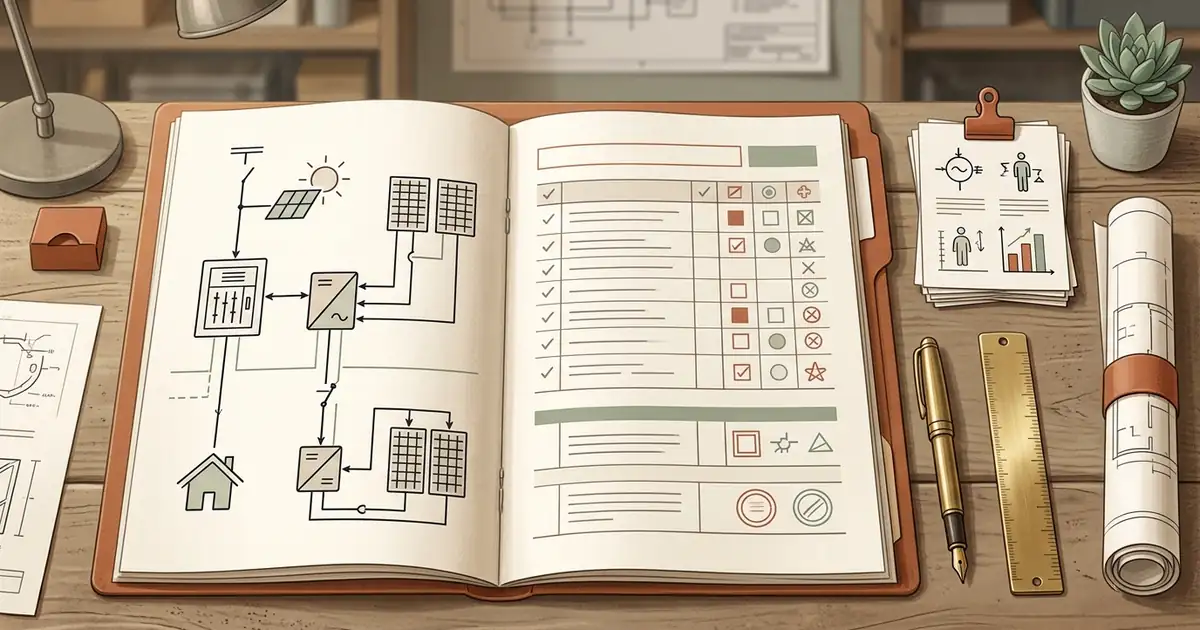
Ask any founder or technical director of a growing installation company what causes the most internal friction, and the answer is rarely the work on the roof.
The drain is the paperwork: technical design memories, municipal building permit declarations (licencias de obras or comunicaciones previas), cadastral proofs, and single-line electrical schematics matched to local requirements.
Every project is different (inverter model, string layout, supply point, local building code), so technical staff spend 60 to 120 minutes copying numbers across forms.
At two installations a month, that is manageable. At ten or twelve, the technical office becomes the bottleneck: invoices wait, permits wait, and your best engineers spend their afternoons retyping tables.
This is how solar companies assemble 90% of the paperwork automatically and leave only the final check to an engineer.
The copy-paste problem
In a ten-person company, a permit package pulls data from half a dozen places:
- Customer and site records: utility bill, meter identifier (the 20-digit CUPS in Spain, PDL in France), cadastral reference.
- Survey notes: main panel amperage, cable run lengths, earthing condition, roof structure.
- Equipment specs: manufacturer datasheets for panels (rated power, open-circuit voltage, temperature coefficients) and inverters (efficiency, nominal AC output, protections).
- Municipal forms: local urban planning formats that differ between neighbouring town halls.
Someone then spends the afternoon opening four PDFs, pasting values into a Word document or a municipal portal, recalculating cable sections, and exporting a PDF.
That work has three costs:
- Errors. One wrong digit in a meter reference or a voltage rating means a rejected permit and weeks of delay.
- Engineers doing clerical work. Highly paid technical directors reformat tables instead of supervising sites or designing commercial projects.
- Blocked cash flow. Final payments and subsidy claims often depend on an approved municipal filing. Slow paperwork slows the money.
The “ready to review” model
The goal is not to replace engineering oversight. Roof safety, fire regulations and electrical norms require a certified human signature.
The goal is to stop the typing:
Utility bill + technical survey form
                     ↓
AI parser (CUPS, cadastral ID, inverter and panel models)
                     ↓
Company second brain (verified equipment specs and municipal rules)
                     ↓
Automated assembly of the technical memory and municipal declarations
                     ↓
Engineer review and signature (5 minutes)
Instead of opening a blank template, your technical lead opens a finished document where every field, calculation table and compliance statement is already filled with verified project data.
1. Ingest the survey automatically
When the site technician finishes, they submit standard inputs: photos of the electrical panel, inverter location, cable run measurements, and the client’s utility bill.
Document AI models then:
- read the bill to extract the tax ID, supply point (CUPS/PDL), retailer and contracted power;
- take panel count, string orientation and cable length from the survey notes;
- query the cadastral database from the address to pull the official parcel ID and construction year.
2. Use your own catalog, not a fresh search
Manually re-entering electrical characteristics from datasheets is a common source of errors.
Keep your active equipment catalog (for example Huawei SUN2000, Fronius Primo, Aiko or Trina 450 W panels) in one place, with verified attributes. When a project specifies a 6 kW inverter and 14 panels, the script pulls the certified voltage thresholds, currents and weights from your catalog. Single-line diagram text and calculation summaries come from pre-approved technical clauses.
3. Adapt to each municipality
Every town council asks for something slightly different. Some want a full building permit with safety and health documentation; others accept a simplified prior communication (comunicación previa) with a standard technical description.
Keep a short profile sheet per municipality. The engine then formats the submission to that jurisdiction and generates environmental statements, waste estimates and structural load notes to match.
Once the permit is filed, the same structured data feeds regional subsidy applications. See our guide on automating solar subsidies with AI.
4. The five-minute engineer check
The package lands in the technical director’s inbox marked “Ready for review”:
- Verify protection ratings (breaker size, residual current device sensitivity).
- Check cable cross-sections against voltage drop limits.
- Sign and stamp.
A task that took 90 minutes of typing now takes under five minutes of professional validation.
What it looked like at Vivim Solar
During our work with Vivim Solar, a ten-person company near Barcelona, technical documentation was one of the biggest drains on the founder’s time. He and the senior technician spent several hours a week assembling descriptions and municipal paperwork.
After systematizing their company context and automating document preparation:
- The team recovered 5 to 10 hours of administrative work per week.
- Quote turnaround and permit submissions got faster.
- The technical lead got his attention back for installation quality and commercial projects.
As Xavier Castellvi, the founder, put it: the goal was never to become programmers or adopt complicated software. It was to build simple systems that handle repetitive tasks so the team can focus on the craft.
Connect it to your management software
To avoid entering the same data twice, the document workflow should talk to your day-to-day platform.
Whether you use a trade ERP like STEL Order or a general system like Odoo, the generated documents should attach to the customer project card automatically. For the architecture, read our breakdown on STEL Order, Odoo, and AI automation for solar.
Where to start
- Standardize the site visit. Make sure every technician photographs the main service panel, the meter and the inverter wall.
- Centralize your datasheets. Keep verified specs for your 5 most common inverters and 3 panel models in text or Markdown.
- Template your municipal filings. One clean template per municipality, with clear placeholders for IDs, power ratings and cable calculations.
- Separate drafting from certification. Let AI assemble the file; let your licensed engineer concentrate on safety and sign-off.
If you want to build these flows alongside other independent solar founders, see our AI training for solar installers.
Frequently asked questions
Can an AI legally sign or certify a technical memory or electrical design?
No. Professional regulations require a qualified installer or licensed electrical engineer to hold legal responsibility for electrical compliance and structural integrity. AI does not sign documents. AI acts as an administrative drafting assistant that extracts data, fills repetitive parameters, and presents a completed draft for human review and official stamp.
What happens if local municipal permit requirements vary from town to town?
Town councils often request specific forms or municipal declarations. By maintaining a centralized company second brain containing municipal requirement sheets, the AI references the specific municipality guidelines and formats the document bundle according to local administrative expectations.
How does AI extract data from inverter and solar module datasheets?
Document parsing models read manufacturer PDF spec sheets (such as SMA, Fronius, Huawei, or Enphase) and extract exact rated AC power, short-circuit current, maximum DC input voltage, and weight specifications directly into the calculation tables of the technical memory.
Does this workflow eliminate administrative backlog during installation peaks?
Yes. When an installation team finishes 8 to 15 projects weekly, administrative bottlenecks often delay grid connection and invoicing. Cutting document drafting time by 80% allows the technical office to clear files on the day of installation sign-off.
Want this inside your own business?
Simple AI Studio runs a hands-on implementation bootcamp for founders and small teams. You leave with a working AI system, not slides.